
Singles Matching
Every wedding has a table of singles wondering if anyone else at the party is also single. Singles Matching turns that guesswork into a tasteful, private, opt-in way for single guests to meet, without anyone playing matchmaker and without anyone’s number getting handed out without asking.
How guests join
Section titled “How guests join”Singles Matching is not a separate account or app. It rides on the RSVP link a guest already has.
During RSVP, a single guest who wants to take part opts in and:
- Confirms they are 18 or older.
- Chooses who they are open to meeting: men, women, or both.
- Sets their own gender.
That is the whole gate. No new login, no separate invite.
Building a profile
Section titled “Building a profile”Once opted in, a guest puts together a light profile:
- Photo (optional)
- First name
- Age
- Bio or interests (optional)
Nothing else is required, and nothing here is shared outside the event’s Singles Matching mini-app.
Browsing and matching
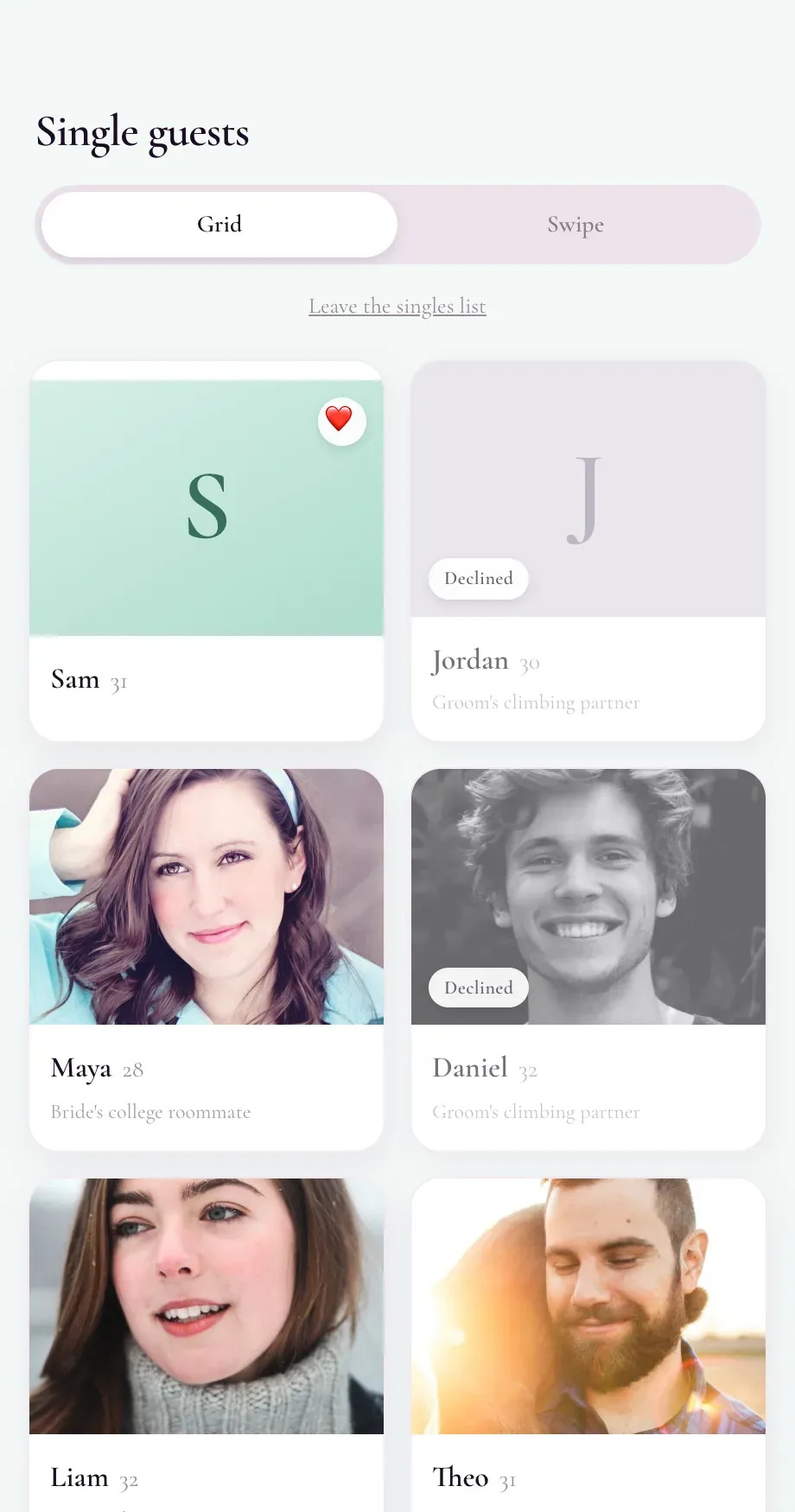
Section titled “Browsing and matching”Guests browse other single attendees in a grid or a swipe-style deck, whichever they prefer. Either way, they only ever see people who are mutually compatible: their stated preference has to match the other guest’s gender, and the other guest’s preference has to match theirs too.
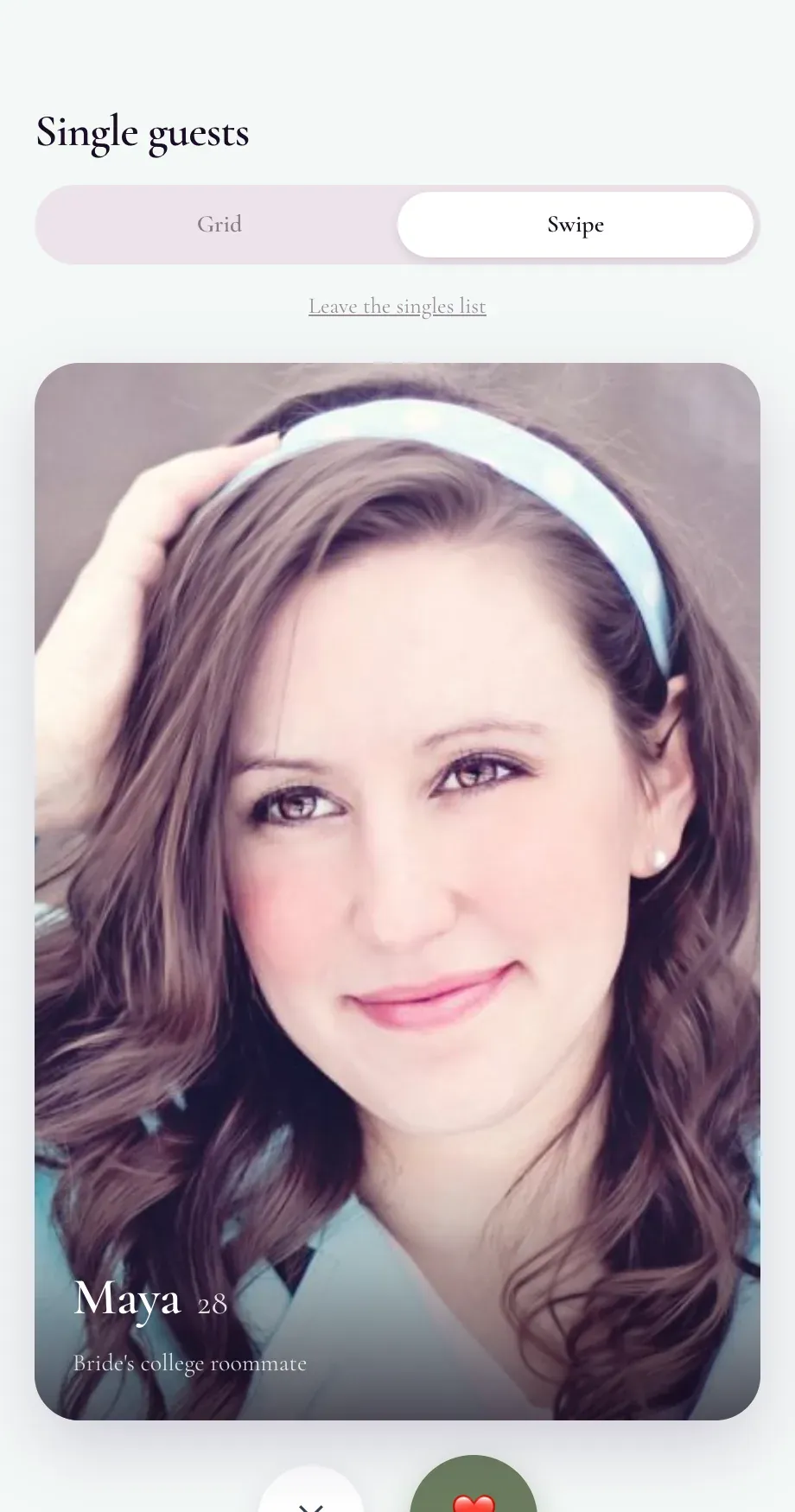
When both sides like each other, that is a match.
Making a connection
Section titled “Making a connection”Matching does not hand out anyone’s phone number automatically. To actually connect, both guests have to tap “Say hey”. That double opt-in is the whole point: a phone number is only revealed once both people have separately agreed to share it. If only one side says hey, nothing is exchanged.
Staying in control
Section titled “Staying in control”Any guest can report or block anyone else in the deck at any time, no explanation required. A report goes straight to the organizer’s moderation queue.
Built for the wedding
Section titled “Built for the wedding”Singles Matching is a mobile web mini-app, so guests just open a link, no app store required. It automatically picks up the wedding’s colors so it feels like part of the event, and it is available in English, French, and Hebrew.
For organizers: turning it on
Section titled “For organizers: turning it on”Singles Matching is opt-in for organizers too. Enable it from Event Settings → Singles Matching. It is available for weddings only, and it is off by default, so guests never see it unless you turn it on.
For organizers: the Singles activity dashboard
Section titled “For organizers: the Singles activity dashboard”Once enabled, a Singles Matching panel appears under Guests Hub, giving you a real-time read on how it is going:
- Opted-in count: How many guests chose to participate
- Profiles built: How many finished setting up a profile
- Matches: Total mutual likes
- Connections: Matches where both sides said hey
- Gender balance: A quick check on whether the pool is balanced
- Participant roster: Everyone who opted in
- Match pairs: Who matched with whom
- Reports queue: Open reports, with the option to deactivate or dismiss