
Guests Hub
Who’s coming? Who hasn’t replied? Who still needs a seat? The Guests Hub answers all of that — without a single spreadsheet.
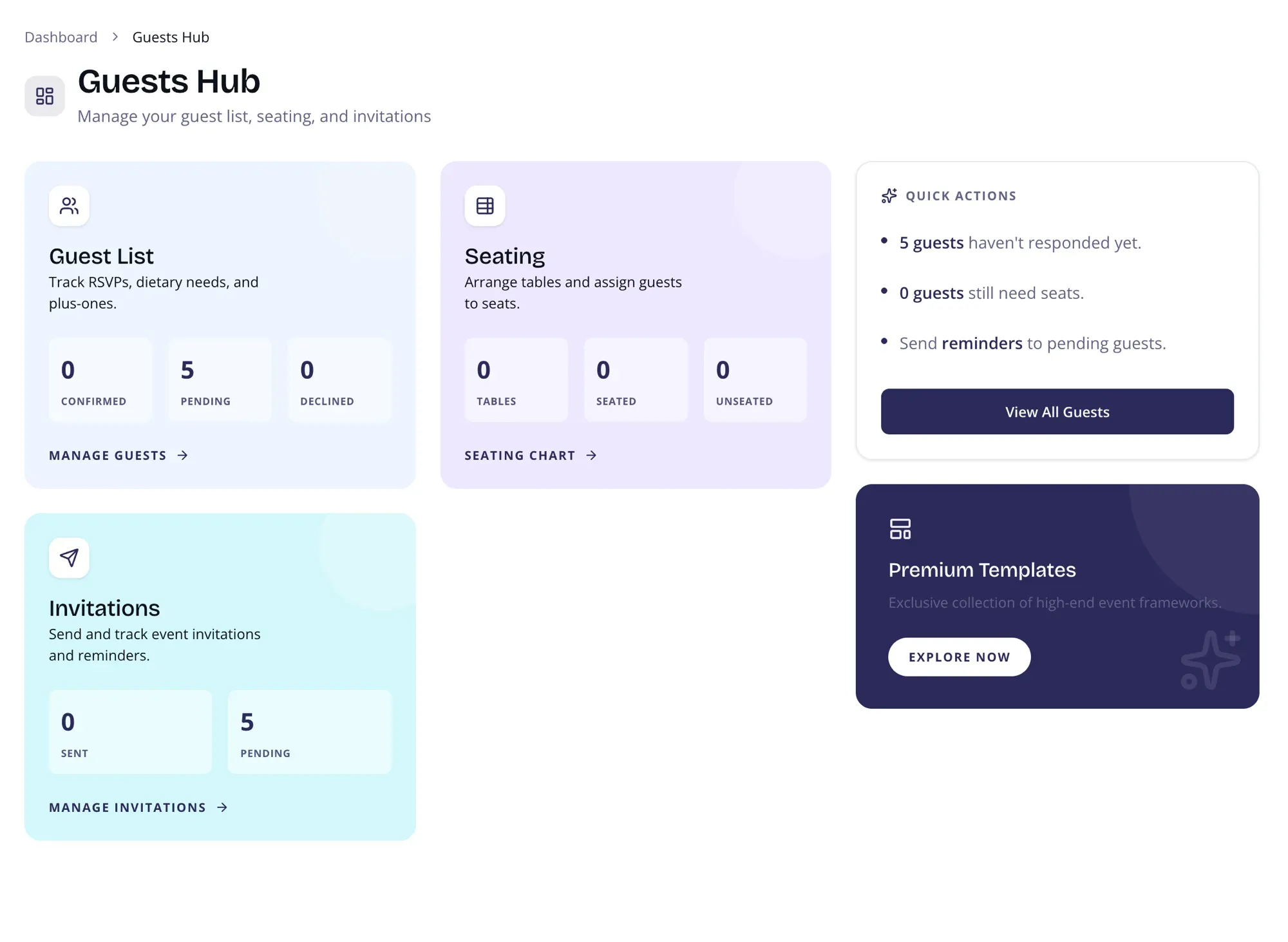
Guest List
Section titled “Guest List”See confirmed, pending, and declined counts at a glance. Track RSVPs, dietary needs, and plus-ones without opening a single spreadsheet. Click through to the full guest management page for detailed editing.
Seating
Section titled “Seating”See how many tables you’ve set up, how many guests are seated, and how many still need assignments. Jump straight to the Seating Planner to arrange your layout.
Invitations
Section titled “Invitations”Track how many guests have responded and how many are still waiting. Quick access to your Campaigns & Messaging center for sending invitations and reminders.
Quick Actions
Section titled “Quick Actions”Smart suggestions based on your current data:
- Number of guests who haven’t responded yet
- Number of guests who still need seats
- Quick link to send reminders to pending guests
Page Layout
Section titled “Page Layout”Two-column layout on desktop:
- Main area — Three cards (Guest List, Seating, Invitations) with live stats
- Sidebar — Quick Actions and Premium CTA
On mobile, the layout stacks vertically.