
Account Settings
Your profile, your rules. Update your name, manage security, and control your data — all from one place.
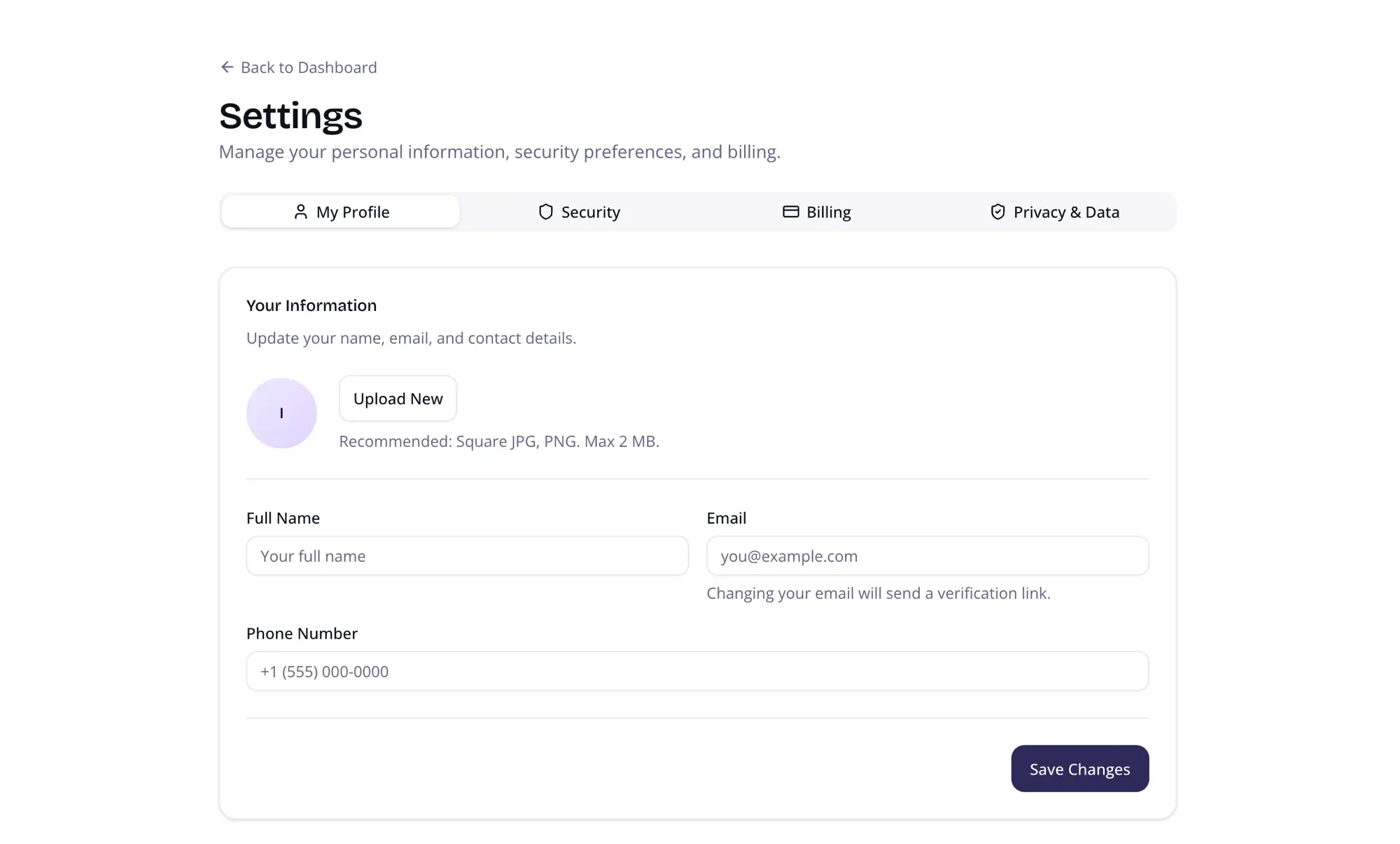
Profile
Section titled “Profile”- Display Name — How your name appears to team members
- Email — Your login email address
- Avatar — Upload a profile photo with crop support
Security
Section titled “Security”- Password — Change your current password
- Connected Accounts — View linked sign-in providers (Google, GitHub)
Billing
Section titled “Billing”- Current Plan — See your organization’s plan tier (Free, Starter, Pro, Enterprise)
- Manage Subscription — Upgrade, downgrade, or update your payment method
Privacy & Data
Section titled “Privacy & Data”- Biometric Consent — View and manage consent for facial recognition processing
- Data Export — Request a full export of your personal data
- Delete Account — Permanently delete your account and all associated data
Navigation
Section titled “Navigation”Open your account settings from the profile menu in the top-right corner. A “Back to Dashboard” link at the top returns you to where you left off.